Frequently asked questions
What people ask us, answered briefly and plainly.
What is Scala Kadro?
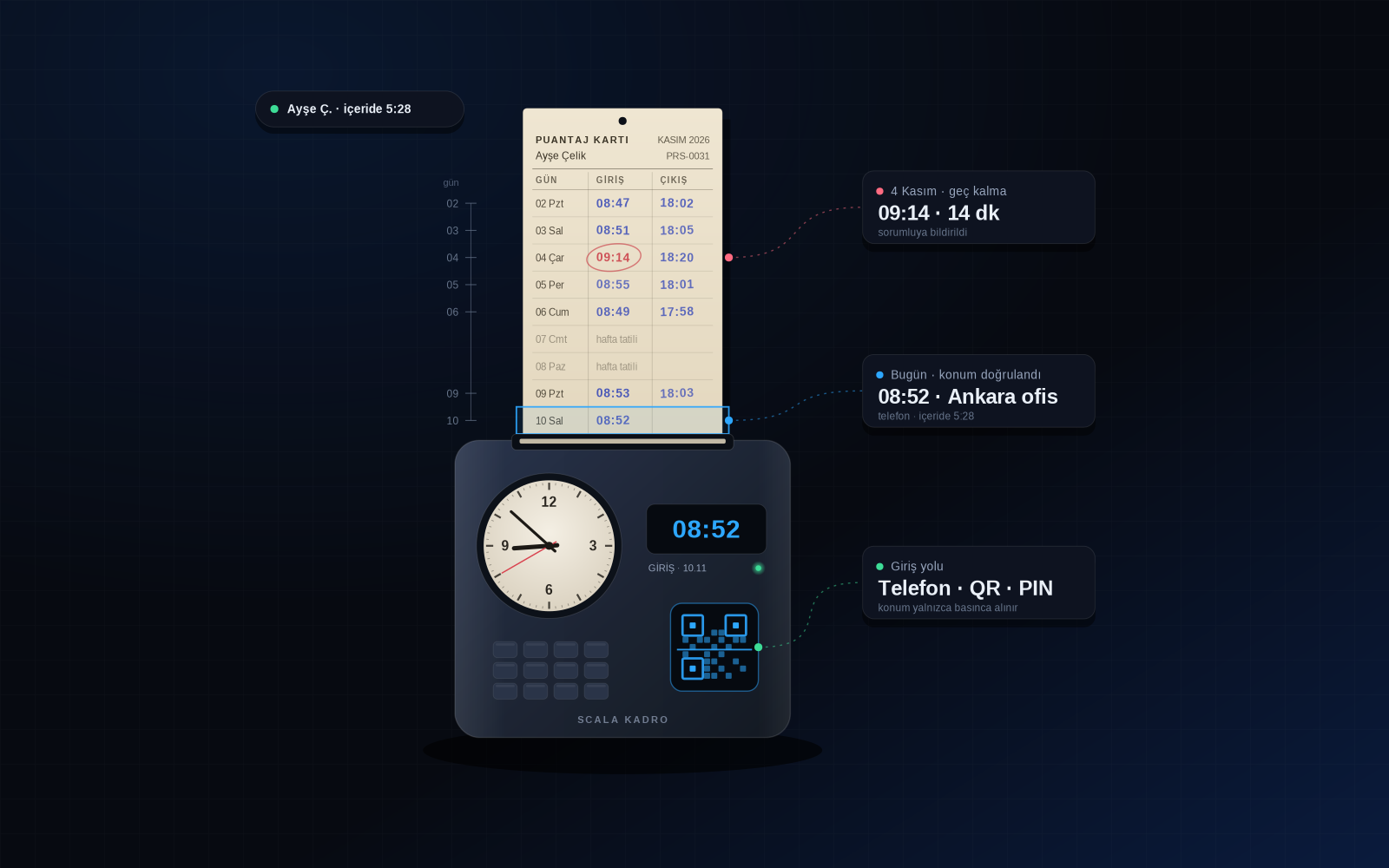
Staff clock in by phone with location, by scanning the entrance tablet's QR code or with a PIN, and request leave and advances from the same screen. Managers see their team's day and approval inbox; HR closes the month and hands the timesheet to accounting as Excel.
Scala Kadro: what are its key capabilities?
Three ways to clock in: Phone with location, the tablet's rotating QR code, or staff number plus PIN. Today board: Who is in, late, absent, on leave or off, in one list; tapping a row opens clock-in time, duration and method in a side column. Plans, shifts and holidays: Fixed hours, flexible plans, shifts and rotations are defined; shifts are assigned on a weekly grid by selecting cells. Leave balance ledger: Remaining leave is not stored as a number; it is the sum of accruals, usage and carry-overs. One approval inbox: Leave, advance, expense and time-correction requests arrive in one inbox with context: how many teammates are off on those days, whether there is an open advance. Locked month end: The timesheet is calculated with day codes, overtime and advances to be deducted; once the month is closed it is locked and exported to accounting as Excel.
Scala Kadro: how do pricing and quotes work?
Pricing depends on how many people will use it, which sections are opened, and whether it must connect to other programs. After the conversation we send a written quote with scope, timeline, and a firm price within 48 hours at the latest.
Scala Kadro: is there support after delivery?
Yes. For one year after delivery, updates, technical support, and server maintenance continue at no extra charge.